What is PC remote operation/remote control software?
By using the tools introduced here, you can remotely control PCs in remote locations even if they are running other operating systems.
Operating systems that support remote connections:
- Windows XP Professional
- Windows Vista Business
- Windows Vista Ultimate
- Windows Vista Enterprise
- Windows 7 Professional
- Windows 7 Enterprise
- Windows 7 Ultimate
- Windows 8 Pro
- Windows 8 Enterprise
- Windows 8.1 Pro
- Windows 8.1 Enterprise
- Windows 10 Pro
- Windows 10 Enterprise
- Windows 10 Education
- Windows 11 Pro
Free PC remote control software
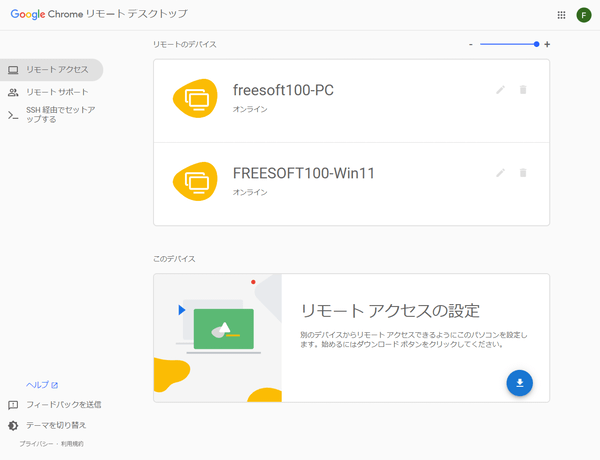
- Free software that allows you to remotely connect to and operate other PCs using Chrome/Firefox
This software allows you to remotely control a PC using Chrome/Firefox.
You only need to set up the PC you want to connect to remotely, and the other PC you want to connect to can use it as long as it has Chrome installed.
You can transfer files, synchronize the clipboard, switch between multi-monitor displays, display in full screen,Ctrl+Alt+DeleteIt also supports sending keys.
Since it can be used with the same Google account, it seems that it will be used not to operate someone else's PC, but to operate a company PC from home, or vice versa. It
can also be used on iPhone/Android, and can be used by installing the smartphone app.Supported OS: Windows 7/8/8.1/10/11, Mac, Linux, iOS, AndroidProvided by: Google* To use this feature, you need a Google account and or
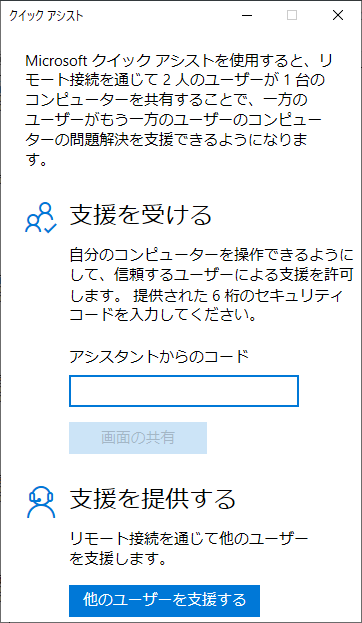
. * Only one device can be connected at a time. - Windows 10/11 standard remote control app
This remote control app is available as standard with Windows 10 (Anniversary Update or later)/11.
Designed to support remote PCs, it allows you to connect remotely in two modes: "Full Control," which allows mouse and keystroke control, and "View Screen," which blocks mouse and keystroke control. It supports multiple
displays, and allows you to freely enter comments, launch Task Manager, and restart Windows.Supported OS: Windows 10/11Provided by: Microsoft - Low latency, 60FPS high resolution remote connection software
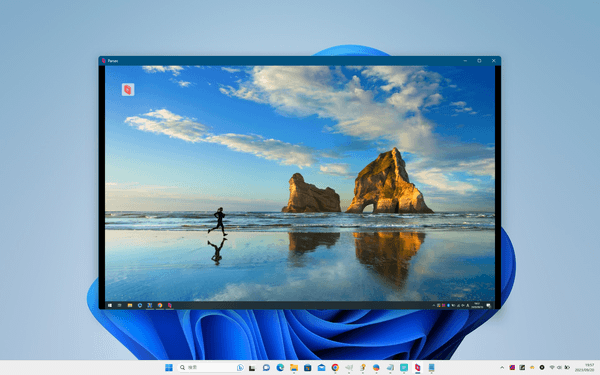
This software allows you to remotely connect
to your PC in high resolution at 60FPS. It provides smooth video with minimal lag, allowing you to control your PC from a distance.
It supports one-click remote connection, encrypted P2P connection, and keyboard/mouse/gamepad compatibility.Supported OS: Windows 10/11, macOS 10.15 or later, Ubuntu, AndroidProvided by: Parsec Cloud, Inc.*Available free of charge for personal use only. - Lightweight remote desktop software that supports video and audio transfer, file transfer, and encrypted communications.
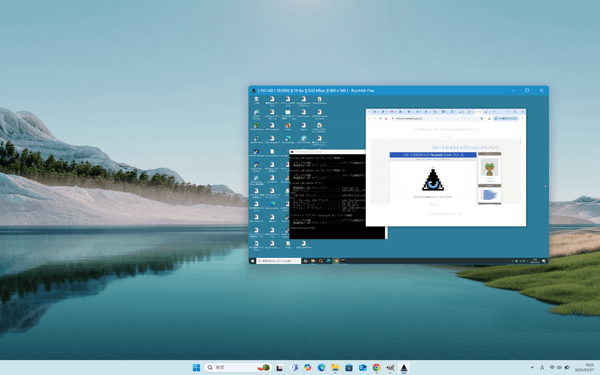
This lightweight remote desktop software has a total file size of less than 1MB. Its simplicity means that no installation is required, and a single executable file can function in both server and client modes. Despite its lightweight design, it offers high-speed video and audio transfer, bidirectional file transfer between server and client, and encryption of communications using the Blowfish 256-bit algorithm.
Supported OS: Windows 10/11Version: 3.1.9 (2025/08/02)Provided by: Lancelot Co., Ltd.* v3.x is a free version, but an advertising page will be displayed once a day when you connect remotely.
v2.x is , but you can try it for free. To continue using it, you will need to purchase a license. - Remote desktop software with little time lag and smooth rendering
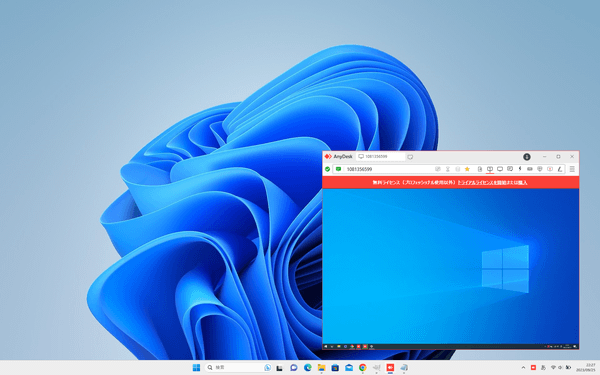
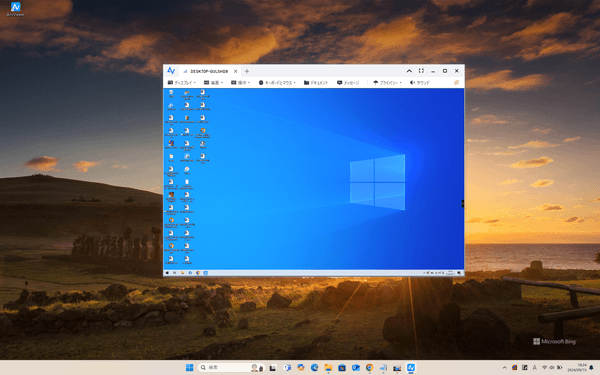
It is a remote desktop software that allows easy remote control without installation and has little time lag when drawing on the connected machine. You can connect two PCs by running the software (AnyDesk.exe) on each PC and entering the alphanumeric "AnyDesk address." It
has features such as chat, file transfer, whiteboard, and session recording, and can be used in full screen mode. By installing it, you canCtrl+Alt+DelOther features available include sending notifications and disabling mouse and keyboard operations.Supported OS: Windows XP/7/8/8.1/10/11, Windows Server 2003/2008/2012/2019, macOS 10.11 or later, Linux, FreeBSD, ChromeOS, iOS, AndroidVersion: 9.5.11 (2025/08/01)Provided by: AnyDesk Software GmbH - Free remote desktop software that can be used commercially
This software allows you to remotely control a Windows PC from a distance. It has a flexible operation
menu, allowing you to switch between on-screen display and original display, change the resolution to make operation easier, and, if the transfer speed seems to be slowing down due to bandwidth load, switch to high-speed mode or hide the desktop wallpaper.
The message window allows text chat between PCs and file transfer between devices.Ctrl+Alt+DeleteYou can send commands to lock, shut down, or restart the PC, and you can also lock the other PC after remote operation is complete.
Communications are encrypted using Elliptic Curve Cryptography (ECC).Supported OS: Windows 8.1/10/11, Windows Server 2012/2016/2019/2022, iOS, AndroidVersion: 4.6.0 (2024/08/29)Provided by: AnyViewer*The free version has some limitations, such as not being able to use HD image quality, the file size limit being 100MB (up to 100 files can be transferred at one time), and only three devices can be connected. - Remote desktop software that allows you to control other computers connected to a network
Remote desktop software allows you to easily connect and control other computers by simply entering the ID and password of the computer you are connecting to. It
not only allows you to control other computers, but also allows you to display your own computer to the other person, allowing you to troubleshoot problems while viewing each other's screens, or even give instructions on how to operate the computer. It also
has features such as text chat, voice calls, video chat, a whiteboard, and file transfer.Supported OS: Windows 7/8/8.1/10/11, macOS 12.0/13.0/14.0/15.0, Linux, iOS, Android, BlackBerryVersion: 15.68.5 (2025/07/29)Provided by: TeamViewer GmbH* Free for personal and non-commercial use only. - Software that allows you to control up to four PCs using one mouse and keyboard.
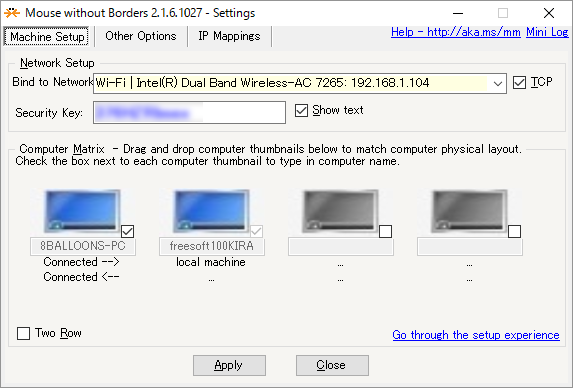
With Mouse without Borders, you can control multiple PCs at once using the mouse and keyboard of one PC. You can transfer files with drag and drop, share the clipboard, and quickly move the mouse cursor to the PC you want to control with hotkeys. You can control up to four connected mice and keyboards. You can also control the mouse and keyboard on all PCs simultaneously. Once connected, the system will automatically connect the next time you start your PC.
Supported OS: Windows 7/8/8.1/10, Windows Server 2003/2008/2012/2016Version: 2.2.1.327 (2021/04/28)Provided by: Microsoft Corporation*If you want to use this software on Windows 10/11, you can use the same functions with ' "Mouse Without Borders." - Remote control software that allows remote operation from a remote PC
This is a highly user-friendly remote control software. It is compatible with other VNCs such as , and can communicate and remotely control other VNC servers installed not only on Windows, but also on Mac and Linux.Ctrl+Alt+DeleteFor items that cannot be entered directly, such as keys, you can send them by right-clicking on the viewer title bar.
Supported OS: Windows 7 or laterVersion: 1.6.4.0 (2025/06/22)Provided by: UltraVNC - Easy remote desktop software that requires no installation
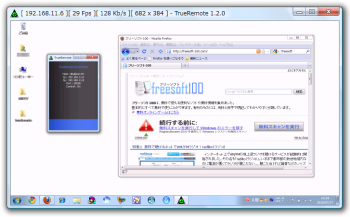
Download the software to both the server and client side, then start the computer you want to control as the server first. Then start the computer you want to control as the client, and the desktop will be displayed in a window, allowing you to control it remotely. It supports multiple monitors and multiple , and also has the ability to adjust image quality and display size, as well as send files.
Supported OS: Windows 2000/XP/Vista/7, Windows Server 2000/2003/2008Version: 1.2.6 (2012/04/10)Provided by: IchiGeki - Shareware
- Trial version ○
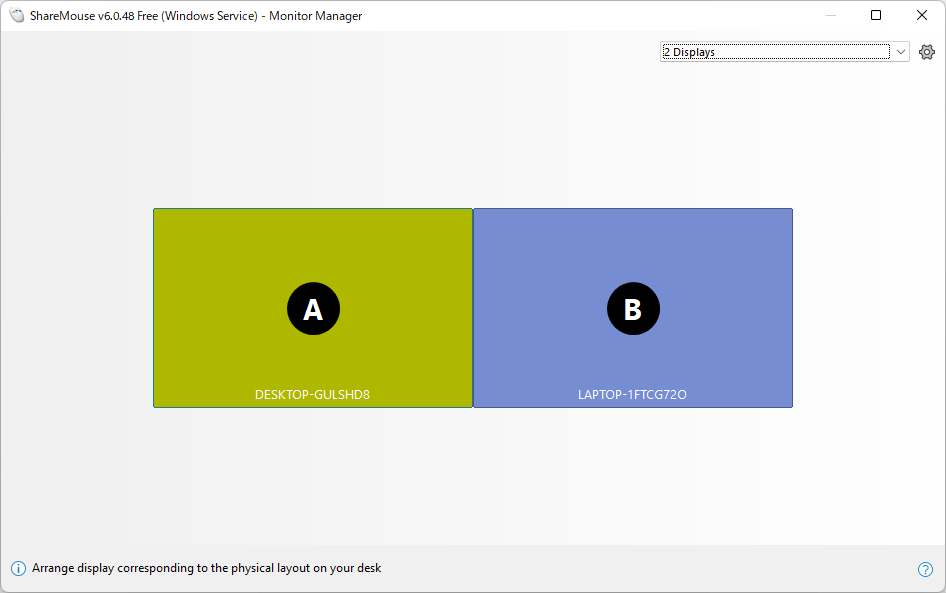
Software that allows you to share a mouse and keyboard between two PCs, such as Windows x Windows or Windows x Mac.When you run this software on two PCs, you can use the mouse and keyboard of one PC to control the mouse and keys of the other PC. It's like using multiple monitors. If you often use two PCs, it's convenient to be able to control the other PC with the mouse and keyboard you use on your main PC. This software can be used not only between Windows computers, but also between Windows and Mac computers.
Supported OS: Windows 10/11, macOS 11/12/13Version: 6.0.65 (2025/04/26)Provided by: Bartels Media GmbH* This software is made overseas and cannot be used in Japanese.
* It can be used free of charge for personal and home use only. The free version allows for connections to up to two devices. By purchasing a license and upgrading to the Pro version, restrictions such as the maximum number of devices connected will be lifted.
* The free version can only be used for 30 minutes in demo mode , and limited functions such as file drag and drop and clipboard sharing can be used.- Shareware
- Trial version ○
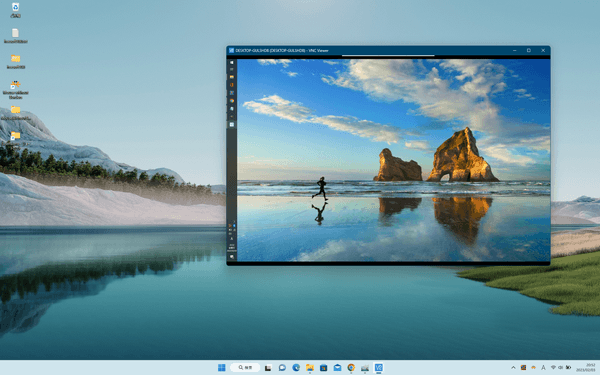
A long-established software used as a PC remote control toolVNC software allows you to remotely control computers located far away from you, as long as they are connected to a network. Start VNC Server on the computer you want to control, and start VNC Viewer on the computer you want to control. The desktop is displayed in VNC Viewer, and you can use the mouse and keyboard to operate the computer as if it were right in front of you.
Supported OS: Windows 10 or later, macOS 10.15 or later, Linux, etc.Version: 7.13.1 / 7.14.0 (2025/05/23)Provided by: RealVNC Limited*This software is , but you can try it for free for 14 days.- Shareware
- Trial version ✕
Software that allows you to monitor webcams and IP cameras from your smartphoneThis software allows you to monitor webcams, IP cameras, and network-compatible DVRs from your iPhone, Android, or PC. It supports streaming of both video and audio. By sharing a public link, others can view the camera footage without having to install any software or apps.
Supported OS: Windows XP/Vista/7/8/8.1/10, Mac, iOS, AndroidVersion: 3.13.0 (2023/10/09)Provided by: IVIDEON LLC*This software is .- -based software that allows remote connection by entering a 12-digit access code
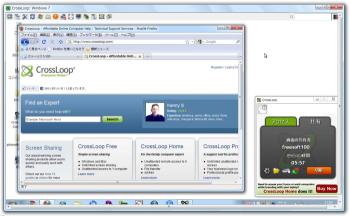
When the controlled side connects in sharing mode and the controlling side connects in access mode, the controlled side's desktop is displayed in a window. Functions include adjusting the sending and receiving image quality, full screen mode,Ctrl+EscFeatures include sending keys, chatting, etc.
Compatible OS: Windows XP/Vista/7Version: 2.82 (2012/01/19)Provided by: CrossLoop, Inc.














No comments:
Post a Comment